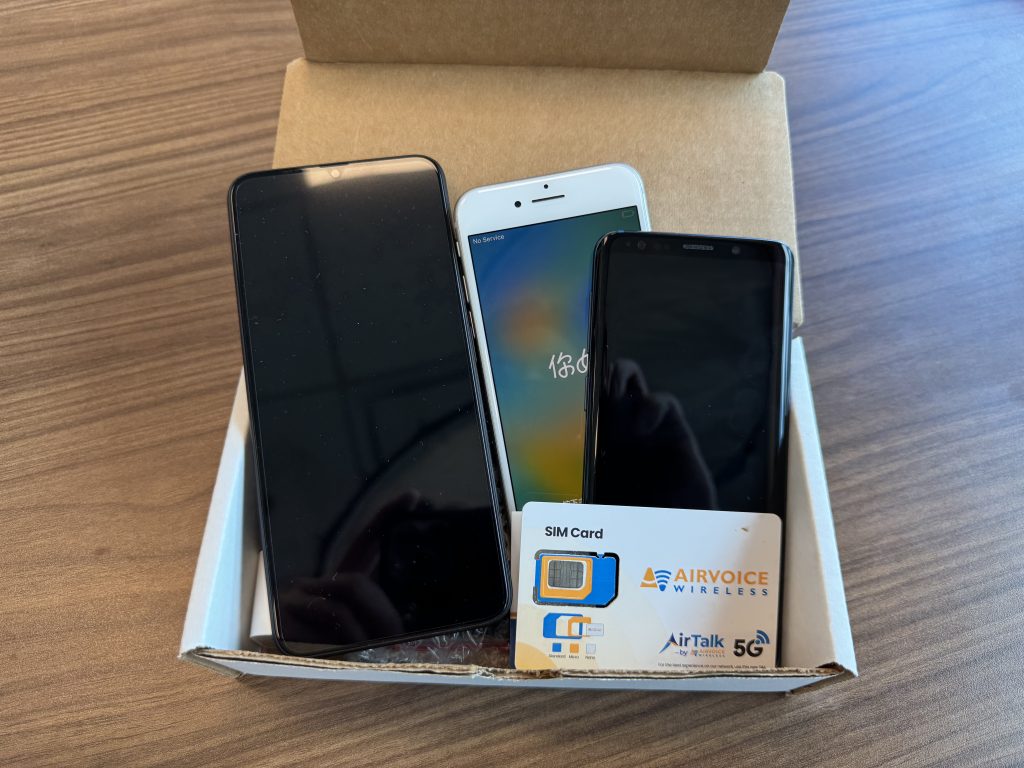

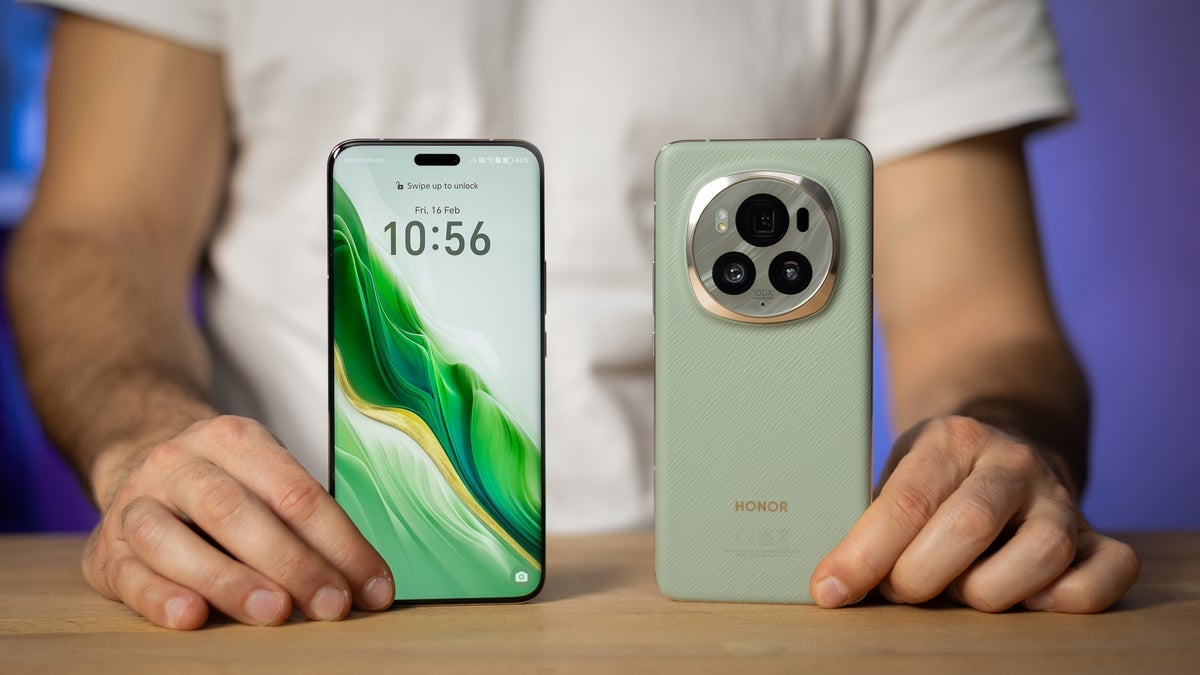
Choosing the right phone is an important decision for older adults. In 2026, phones for seniors are no longer limited to basic calling devices. Many seniors use smartphones for video calls, healthcare apps, navigation, online banking, and staying connected with family—while still valuing simplicity, readability, and reliability.
This guide explores the best phones for seniors in 2026, focusing on ease of use, accessibility features, safety, and value, rather than technical specifications. It is designed to help seniors and caregivers understand what types of phones work best for different needs.
What Makes a Phone Senior-Friendly in 2026?
A phone that works well for seniors prioritizes usability over complexity. The best senior phones typically offer:
- Large, clear displays
- Simple menus and easy navigation
- Loud, clear audio
- Strong battery life
- Emergency and safety features
- Compatibility with hearing aids
- Reliable customer support
Not every senior has the same needs, so the best phone depends on comfort level and daily use.
Types of Phones That Work Best for Seniors
Rather than ranking individual models, it’s more helpful to understand phone categories that are well suited for older adults.
Simple Smartphones for Seniors
Simple smartphones are ideal for seniors who want modern features without complicated interfaces.
Best for
- Seniors new to smartphones
- Video calls with family
- Basic apps like maps, messaging, and health tools
Key features
- Large icons and text
- Simplified home screens
- Touchscreens with good responsiveness
- Clear on-screen instructions
Phones in this category often run simplified versions of Android or iOS.
Senior-Focused Smartphones
Some phones are specifically designed with seniors in mind.
What makes them different
- Built-in accessibility modes
- Emergency assistance buttons
- Simplified settings menus
- Clear on-screen help
Brands associated with senior-friendly design often include Jitterbug, which focuses on ease of use and customer support for older adults.
Flip Phones for Seniors
Flip phones remain popular in 2026, especially among seniors who prefer physical buttons and minimal features.
Best for
- Seniors who only need calling and texting
- Those who dislike touchscreens
- Backup or emergency phones
Advantages
- Physical keypad
- Smaller learning curve
- Long battery life
- Durable design
Flip phones are especially helpful for seniors with limited vision or dexterity.
Large-Screen Smartphones with Accessibility Features
Some mainstream smartphones are senior-friendly thanks to built-in accessibility options.
Helpful features
- Adjustable text size
- Voice commands
- Screen readers
- Magnification tools
- High-contrast display modes
Popular examples often come from brands like Apple and Samsung, which include robust accessibility settings.
Phones with Emergency and Safety Features
Safety is a major priority for many seniors.
Important features
- Emergency SOS calling
- Location sharing
- Medical alert compatibility
- One-touch emergency buttons
These phones are well suited for seniors living alone or managing health conditions.
Popular Phone Brands Seniors Often Consider
Below are well-known brands frequently chosen by seniors, without ranking or endorsement.
Jitterbug: Known for phones designed specifically for older adults, with large buttons, simplified menus, and dedicated customer support.
Apple: iPhones offer strong accessibility features, long-term software updates, and intuitive design once set up correctly.
Samsung: Samsung phones provide customizable interfaces and accessibility modes that can be adjusted for senior users.
Nokia: Often associated with durable feature phones and straightforward designs.
Google: Android phones supported by Google services offer voice commands and smart assistance features helpful for seniors.
Key Features Seniors Should Look for in 2026
When comparing phones, seniors and caregivers should focus on usability rather than specifications.
Display Quality
- Large screen size
- Adjustable font and icon size
- High contrast
Clear displays reduce eye strain and frustration.
Sound and Hearing Support
- Loud speakers
- Clear call quality
- Hearing-aid compatibility
This is especially important for seniors with hearing loss.
Battery Life
- Long standby time
- Easy-to-charge design
- Wireless or magnetic chargers (optional)
Phones with strong battery life reduce daily charging stress.
Ease of Navigation
- Simple menus
- Minimal app clutter
- Clear back and home buttons
Phones should feel intuitive, not overwhelming.
Emergency Features
- Quick access to emergency contacts
- Location sharing
- Medical ID display
These features provide peace of mind.
Best Phones for Different Senior Needs
For beginners
- Simple smartphones
- Senior-focused phones
For tech-savvy seniors
- Large-screen smartphones
- Phones with voice assistants
For minimal use
- Flip phones
- Basic calling devices
For health and safety
- Phones with SOS features
- Medical alert integration
Should Seniors Choose Android or iPhone in 2026?
Both platforms can work well.
Android advantages
- More customization
- Wide range of device prices
- Flexible accessibility options
iPhone advantages
- Consistent interface
- Long software support
- Strong security and privacy controls
The best choice depends on comfort level and support availability.
Phones for Seniors and Healthcare Access
In 2026, phones play a growing role in healthcare.
Common uses
- Telehealth appointments
- Prescription reminders
- Health monitoring apps
- Emergency communication
Choosing a phone that supports these tasks can improve daily quality of life.
Common Mistakes Seniors Should Avoid When Choosing a Phone
- Buying phones with unnecessary features
- Choosing screens that are too small
- Ignoring customer support quality
- Overpaying for performance not needed
- Skipping setup and accessibility customization
A properly set-up phone often matters more than the model itself.
Tips for Setting Up a Senior-Friendly Phone
- Increase font and icon size
- Remove unused apps
- Enable voice commands
- Set emergency contacts
- Adjust volume and brightness
Many phones can be customized in under an hour.
How Caregivers Can Help
Family members or caregivers can:
- Assist with setup
- Teach basic functions
- Monitor emergency features
- Help manage updates
Support improves confidence and long-term usability.
Trends in Senior Phones for 2026
Phone design for seniors is evolving with:
- Better accessibility by default
- Simplified interfaces
- Stronger safety tools
- Improved voice interaction
- Longer device support
Manufacturers are increasingly considering older users.
Bottom Line
The best phones for seniors in 2026 are those that balance simplicity, safety, and functionality. Whether a senior prefers a basic flip phone or a modern smartphone, today’s options make it easier than ever to stay connected, safe, and independent.
Instead of focusing on the newest or most powerful device, seniors should prioritize ease of use, readability, sound quality, and support. With the right phone—and proper setup—technology can become a helpful companion rather than a source of frustration.
Disclaimer: This article is for informational purposes only. Always confirm device compatibility, features, and support options with manufacturers or service providers.